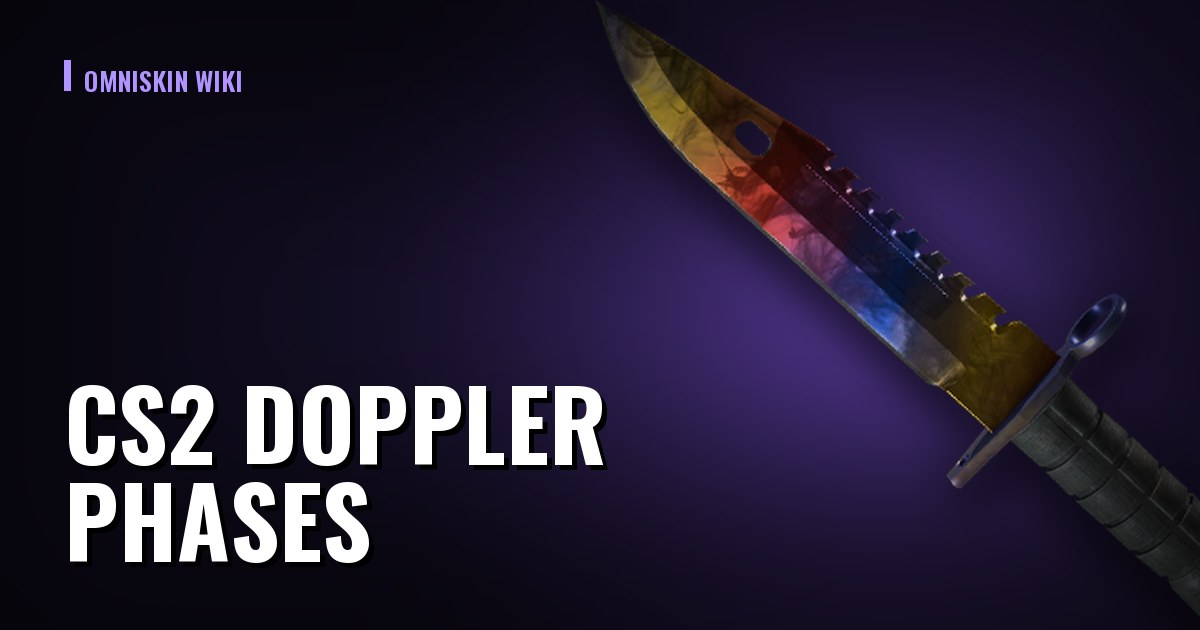
CS2 Doppler Phases: Identify Them by paint_index
Full paint_index tables for Doppler and Gamma Doppler, what each phase looks like, why the seed is irrelevant, and how to verify a listing.
Doppler is the only finish in CS2 where the same knife, in the same condition, sells for several times more or less depending on its phase. It is also where buyers get it wrong most often: people try to read the phase from the seed or eyeball it from a screenshot, when it is set by a separate number that can be read with certainty.
 ★ Karambit | Doppler
 ★ Butterfly Knife | Fade
 ★ M9 Bayonet | Marble Fade
 ★ Talon Knife | Doppler
 ★ Skeleton Knife | Crimson Web
The phase comes from paint_index, not the paint seed
Every skin carries three independent numbers: float (wear), paint seed (how the pattern landed), and paint_index — the ID of the artwork itself. For Doppler, each phase is its own paint_index, which means they are formally different skins sharing one name.
The paint seed only shifts color placement inside a phase: it makes a particular copy brighter, darker, or better laid out across the blade. That moves the price, but by far less than the phase itself.
The practical takeaway: "reading the phase from the seed" is guesswork. Reading it from paint_index gives you a definitive answer.
Table: Doppler
| paint_index | Phase | What you see |
|---|---|---|
| 415 | Ruby | solid red, top tier |
| 416 | Sapphire | solid blue, top tier |
| 417 | Black Pearl | black pearlescent, top tier |
| 418 | Phase 1 | dark tones with pink and black |
| 419 | Phase 2 | pink dominates (Max Pink) |
| 420 | Phase 3 | green and blue tones |
| 421 | Phase 4 | blue dominates |
Table: Gamma Doppler
| paint_index | Phase | What you see |
|---|---|---|
| 568 | Emerald | solid green, exclusive to the Gamma line |
| 569 | Phase 1 | green with gold |
| 570 | Phase 2 | bright green |
| 571 | Phase 3 | dark green with blue |
| 572 | Phase 4 | gold and green |
Both tables cover the knife Dopplers from the Chroma and Gamma lines. Items added later have their own ranges — the Glock-18 Gamma Doppler, for example, runs 1119–1123. If your item is not in the tables above, look up its own block instead of forcing it into the knife range.
 ★ Karambit | Doppler (Factory New)best price: $1080.48 · skinport
Why Ruby, Sapphire, Emerald, and Black Pearl cost more
These are not "rare phases" in the sense of a separate drop chance. They are distinct paint_index values inside the same line that simply come out far less often. Demand for them rests on something more durable than fashion: the finish is solid, so the color covers the entire blade with no gradient and no muddy areas.
Among the ordinary phases, Phase 2 (Max Pink) and Phase 4 usually draw the most interest, but that is the market's taste rather than a mechanic — and the ranking shifts over time.
How to check the phase on a specific listing
- Open the listing on the marketplace, or the item in your inventory.
- Copy the inspect link ("Inspect in Game").
- Paste it into a checker — you get float, paint seed, and paint_index, and the phase follows from the last one.
Check before you buy, especially when the seller is asking a premium "for the phase": a screenshot can belong to another copy, and a listing description can simply be wrong.
Why phases break ordinary price analysis
Doppler is the one class of skins where the item name in Steam does not define the product. Every phase of a knife trades under the same market_hash_name, so any service pricing by name lumps a cheap Phase 1 together with a Ruby worth several times more.
Three consequences are worth keeping in mind.
The minimum price for a name almost always belongs to the cheapest phase. Seeing "knife from $X" does not mean any phase is available at that price: it is far more likely a Phase 2 or Phase 4 than a Sapphire.
A price spread within one name is not arbitrage. A low price on one marketplace and a high one on another may simply describe different phases of the same knife. Before treating the difference as profit, make sure you are comparing the same phase.
An average price for the name means nothing. For Dopplers the median of sales mixes incomparable products. What you need is the price of a specific phase, and that is visible only through the paint_index in the inspect link.
What this means when buying
Check the phase before the trade, not after: the seller's title may say "Doppler" while the listing holds any of the phases. A screenshot is not proof — neighbouring phases are easy to confuse visually, especially on worn copies and under different map lighting. The only reliable marker is the paint_index, and it sits inside the inspect link the marketplace itself provides.
Common mistakes
- Assuming the seed reveals the phase. It does not. The seed is the layout inside a phase.
- Judging the phase from the marketplace image. Many marketplaces show a generic render of the skin, not your specific copy.
- Mixing up Doppler and Gamma Doppler. Different lines, different ranges, different top phases (Sapphire versus Emerald).
- Paying Ruby money for a Phase 2. The gap between an ordinary and a top phase is a multiple, and all of it hangs on one number you can verify in ten seconds.