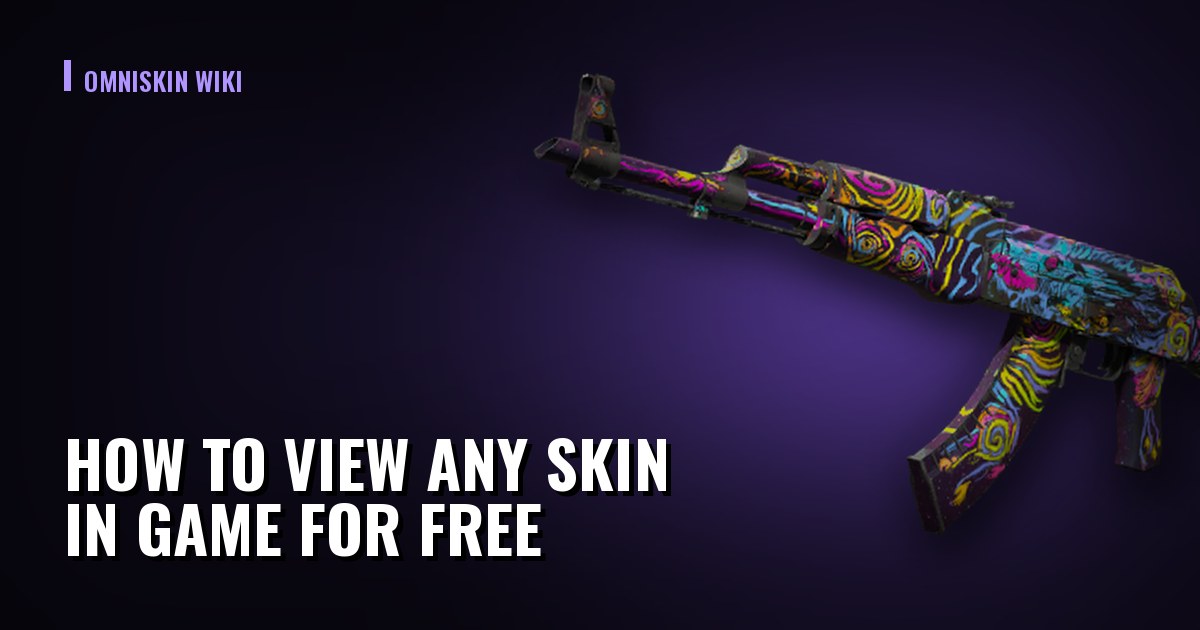
How to View Any Skin in Game for Free — and Why "Give Yourself a Skin" Does Not Exist
Any skin with any wear and pattern can be opened in game through an inspect link — free and without buying it. We cover how it is done from the console, how it differs from knife commands, and why offers to "give a skin to your inventory" are always fraud.
The short answer to a popular question
"How do I give myself a skin" gets searched constantly, and the honest answer has two parts.
You cannot give yourself a real item. A Steam inventory lives on Valve's servers, and no command on your computer changes it. Anything promising otherwise is fraud, without exception.
But you can view any skin in game, and it is free. The game can open an item from an inspect link: with the exact finish, the exact wear and the exact pattern, stickers and charm included. That is what is worth using before a purchase.
Anything offering to "generate a skin", "give a knife to your inventory through the console", or asking for a Steam login in exchange for a free item is an account-theft scheme. The real mechanism hands out nothing and asks for nothing: it only shows.
How this differs from knife commands
The difference is simple and worth keeping in mind, because the two methods solve different problems.
| Console commands | Inspect-link preview | |
|---|---|---|
| What you get | a weapon or knife model | a specific skin in full |
| Is the finish visible | no, model only | yes, with wear and pattern |
| Stickers and charm | no | yes, as on the real listing |
| Where it works | only in your own match with cheats | anywhere the inspect view opens |
| What you need | cheats enabled | a listing's inspect link |
From the table follows the practical order: the console picks the model, the inspect link picks the copy. The first answers "do I like this shape in my hands", the second "what does this particular listing look like".
How to open a skin from a link
Every listing on a marketplace has an inspect link: an "Inspect in game" button or similar. It carries the item's whole description inside it, so it works without any access to somebody else's inventory.
Find a listing on any marketplace and copy its inspect link. If the link opens by itself and launches the game, that is enough — nothing further is needed. If you would rather open it manually, open the console in game and enter the item preview command, pasting the long code from the link after it. The code is the part of the link after the word preview. Everything before that is unnecessary when entering it by hand. The inspect view opens inside the game: the item can be rotated, zoomed and watched in motion.
What exactly is encoded in such a link is covered in our separate decoding write-up — which also explains why the code is read locally and requires no request to anyone else's servers.


Why this matters before buying
An inspect link is the only way to see that specific copy rather than a picture of a category. The difference between the two costs money, and here is what to look at.
Wear inside the category. A category is a wide corridor: Field-Tested runs from 0.15 to 0.38, and items at the edges look different. The marketplace picture is one image for the whole category; the inspect view shows your copy.
The pattern. On Case Hardened that is the share of blue, on Fade the gradient percentage, on a doppler the phase. No shop-window image conveys any of it, and the price gap between a lucky and an unlucky number can be a multiple.
Stickers and where they sit. The inspect view shows exactly where they are and in what condition. Given that the market credits only a small share of their value, that is worth checking before the deal rather than after.
How the item looks in motion. A static render flatters almost every skin. The inspect animation does not.
A useful habit before an expensive purchase: open the inspect view and compare it with the render on the marketplace. If the in-game copy appeals less than the picture, that is normal — and precisely the case this mechanism exists for.
Why "free skins" do not exist
This deserves stating plainly, because accounts are lost over it.
Steam items are stored on Valve's servers. Your game client does not create them and cannot — it only displays what the server told it. Any console command acts inside your local session and disappears with it.
Hence a simple detection rule: if an offer promises an item into your inventory, it is false. From there the options are few — you will be asked for a login and password, a Steam Guard code, an API key or a trade confirmation. Every one of those requests means losing an inventory rather than gaining a skin.
Genuinely free items do exist in game: drops for playtime and gifts from friends. Neither requires entering account credentials on a third-party site.
Check what is already sitting in your inventory:
🔧Value your inventoryfree, no sign-upIf you badly want to "try on" an expensive skin, the order is: take the model through the console, look at the finish through an inspect link, and only then decide about buying. It is free, takes five minutes, and regularly cancels a purchase the buyer would have regretted.